Timesheets & Expenses

Track time and expenses seamlessly

Employees clock in/out and submit expenses for shifts. Admins view, edit entries, manage payment methods, and export reports to QuickBooks.

How It Works

  1. 1

    Clock In/Out

    Employees track time from mobile devices at job sites

  2. 2

    Submit Expenses

    Add expenses with photo attachments on the go

  3. 3

    Review & Export

    Admins approve entries and export to QuickBooks

Accurate Time Tracking & Expense Management

Capture every billable hour and project expense with mobile-first time tracking. Employees clock in/out from job sites, submit expenses on the go, and admins get real-time visibility into labor costs with complete oversight and approval workflows.

  • Employee Self-Service: Clock in/out, view time entries, and create task sheets
  • Admin Oversight: View and edit all time entries and expenses with approval workflows
  • Easy Export: One-click export to QuickBooks or payroll systems
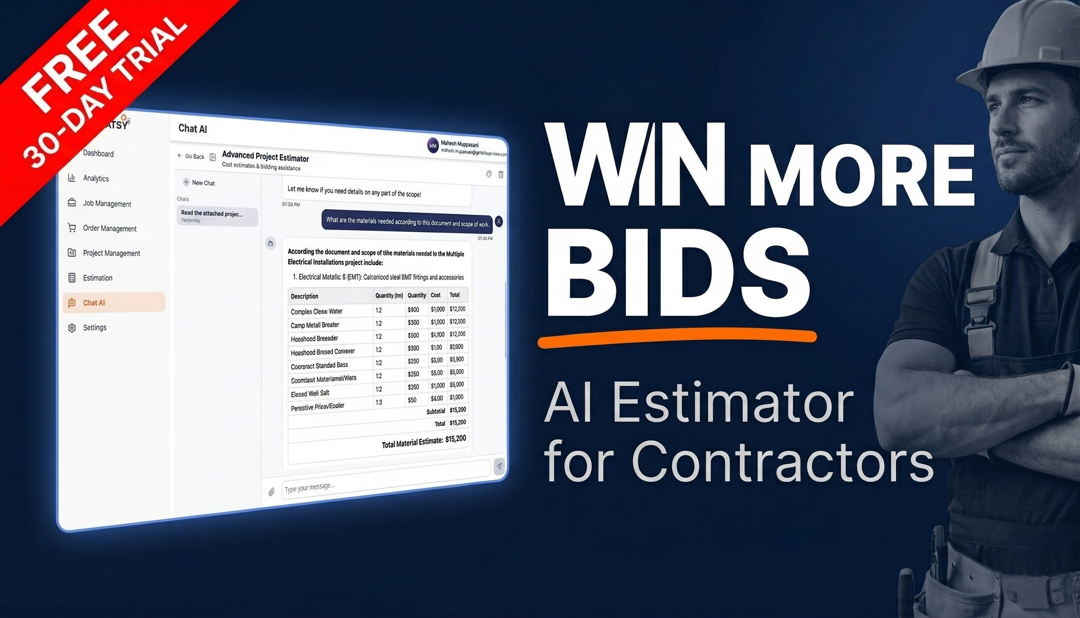
Complete Time & Expense Management

Employee Time Tracking

Employees can clock in/out from their mobile devices, view their time entries, and create detailed task sheets for worked shifts.

  • • Mobile clock in/out
  • • View personal time entries
  • • Create shift task sheets
  • • Real-time tracking

Expense Reporting

Submit expenses on the go with photo attachments. Track all project-related costs for accurate job costing and billing.

  • • Mobile expense submission
  • • Photo attachments
  • • Expense categorization
  • • Receipt management

Admin Controls

Admins have complete oversight with ability to view, edit, and approve all time entries and expenses across the organization.

  • • View all time entries & expenses
  • • Edit and approve entries
  • • Approval workflows
  • • Audit trail

Export & Integration

Export time and expense reports with one click to QuickBooks or your payroll system for seamless accounting integration.

  • • One-click export
  • • QuickBooks integration
  • • Payroll system sync
  • • Custom report formats

Additional Capabilities

Shift Task Sheets

Employees can create detailed task sheets documenting work completed during each shift for better project tracking and billing accuracy.

Payment Method Management

Admins can manage payment methods for employees, ensuring accurate payroll processing and expense reimbursements.

Simple Time & Expense Workflow

1

Clock In

Employee clocks in from mobile device at job site

2

Work & Track

Time tracked automatically, submit expenses as needed

3

Clock Out

Clock out and optionally create task sheet

4

Admin Review

Admin reviews, approves, and exports to payroll

GATSY has transformed how we handle our daily operations. The AI automation alone has saved us countless hours every week.
J

Jasmine Aguilar

Operations Manager · Teleteks

Want to see it in action?

Start your free 30-day guided trial today. Join the pool of successful contractors who are using GATSY everyday.

General contractor managing projects with GATSY construction management software
30-day Free TrialNo Setup FeeCancel Anytime
View Manual