Vendor Management

A supply house list that knows which trades each one can actually quote

Most systems treat vendors as an address book. GATSY records what each one supplies, and that single fact changes the work: when an estimate sends an RFQ, the vendor list is already filtered to the suppliers who can price that scope — so a fire alarm package never goes to a wire house.

  • 30-day Free Trial
  • No Credit Card Required
  • Cancel Anytime
The vendor directory showing each supplier with the trade they cover, their quotes contact and address
Every vendor tagged
By tradeEvery vendor tagged
Only who can quote it
Filtered RFQsOnly who can quote it
Like-for-like comparison
Batch sendLike-for-like comparison
The address that matters
Quotes inboxThe address that matters

What Vendor Management does

The trade is the point

Each vendor records what they supply, and everything downstream uses it.

One badge that does real work

Electrical, Network, and the rest of the trades your business actually buys in. It is not a label for filtering a list — it is the field the RFQ flow reads to decide who is even eligible.

The quotes address, not the switchboard

Vendors carry the email that quotes actually go to, plus the person you deal with and the branch address. The RFQ lands where somebody prices it.

Branches are separate vendors

Supply houses have branches, and the Fort Lauderdale counter is not the Miami counter. Each is its own record with its own contact and address.
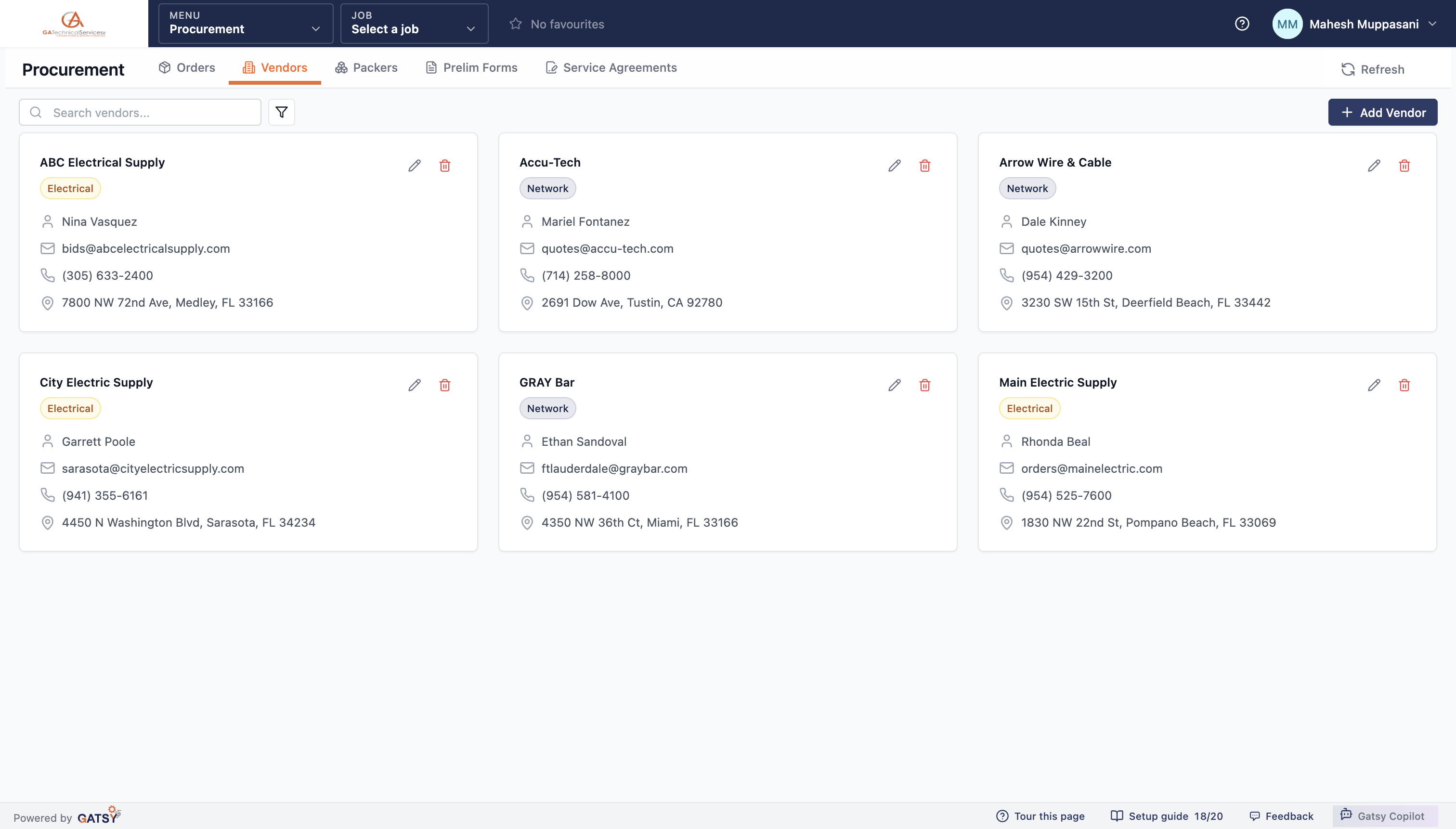
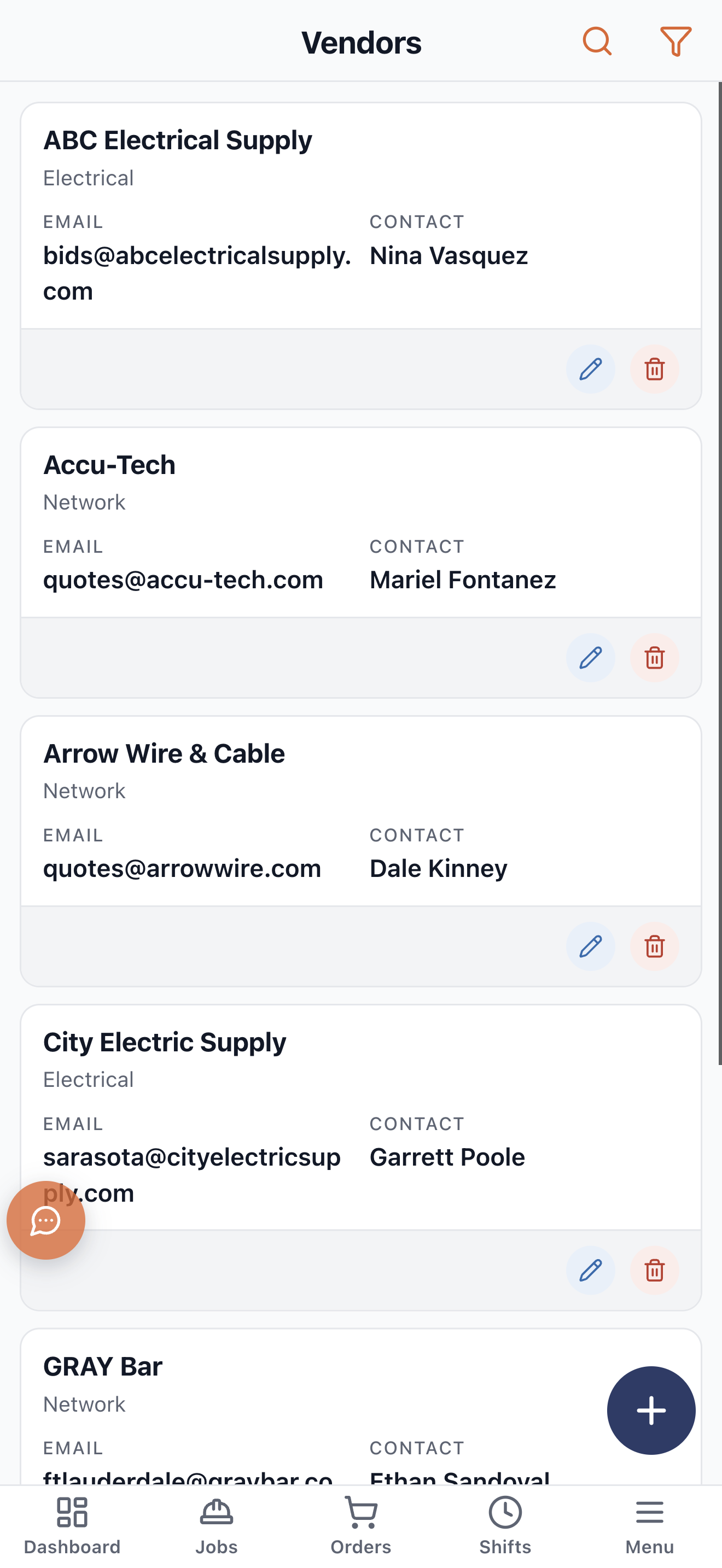
Vendor cards each showing a trade badge, contact, quotes email, phone and branch address

RFQs that only go to people who can quote them

Scope the items, and the vendor step is already narrowed to the trades in that scope.

Grouped by trade, filtered by trade

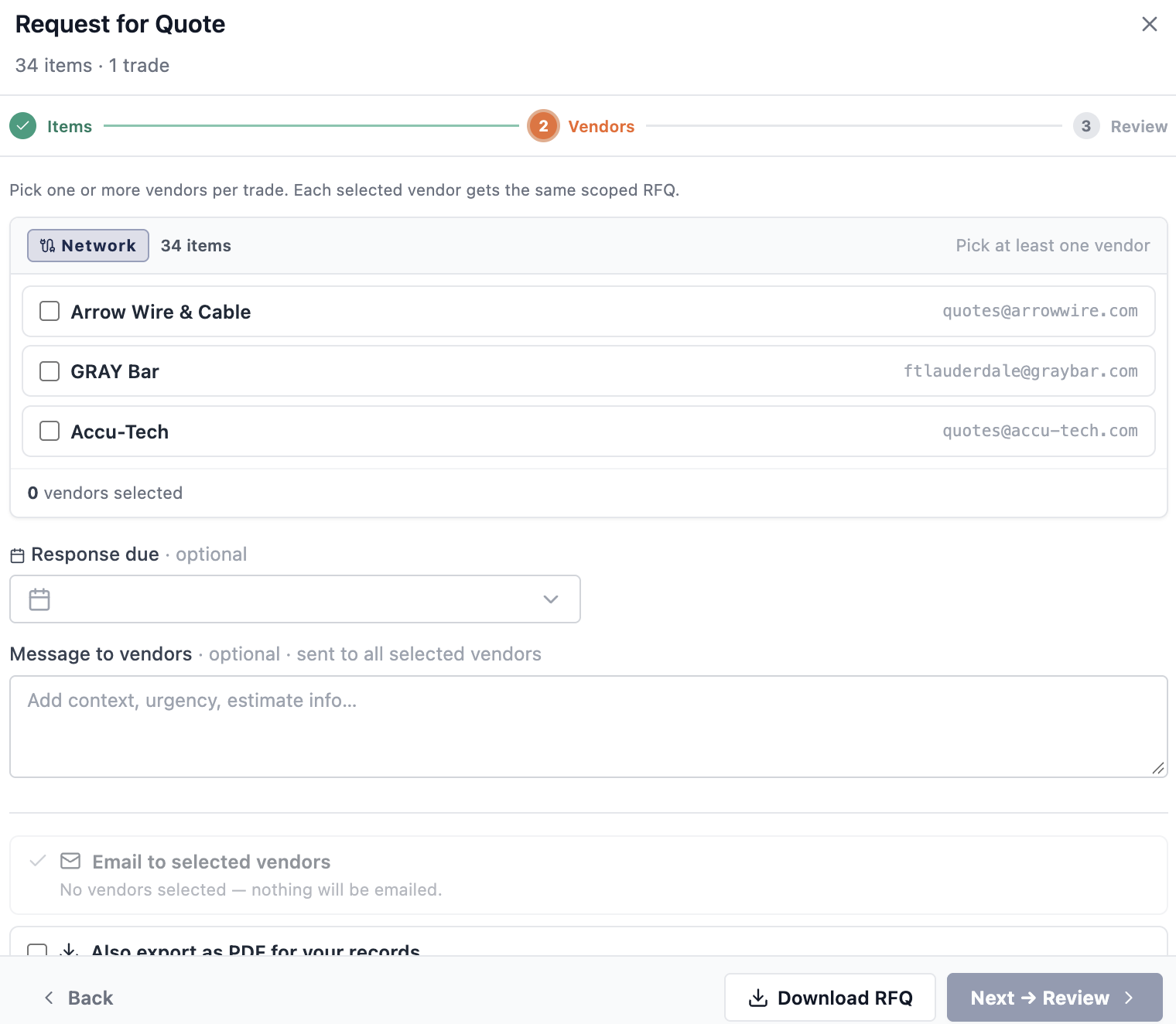
The RFQ groups the scope by trade, then offers only the vendors who cover it. Thirty-four network items, three network vendors — not your whole address book.

Labor and owner-furnished lines are left out

Only quotable items are offered. Labor, service and owner-furnished lines never reach a supplier, because asking a wire house to price your labor wastes everybody’s morning.

Send to several at once

One batch send puts the identical scoped package in front of each vendor as its own RFQ, so what comes back is genuinely comparable.

Or export it as a PDF

For the vendor who wants it a different way, the whole RFQ exports grouped by trade — including the trades where you have no vendor yet.

The RFQ vendor step showing 34 items in one trade and only the vendors who cover it

What came back, and what you did about it

Quotes, awards and the orders that follow all stay attached to the vendor.

Quotes recorded against the vendor

What they quoted, when it came back, and whether it was partial. A vendor’s history is their history, not a folder of PDFs.

Award per line

A vendor can win some lines and not others, and the outcome is recorded as what it was — won everything quoted, won some, or won none.

Orders follow the award

Awarded lines become purchase orders, one per vendor, so the supplier who won the work is the supplier who gets the PO.

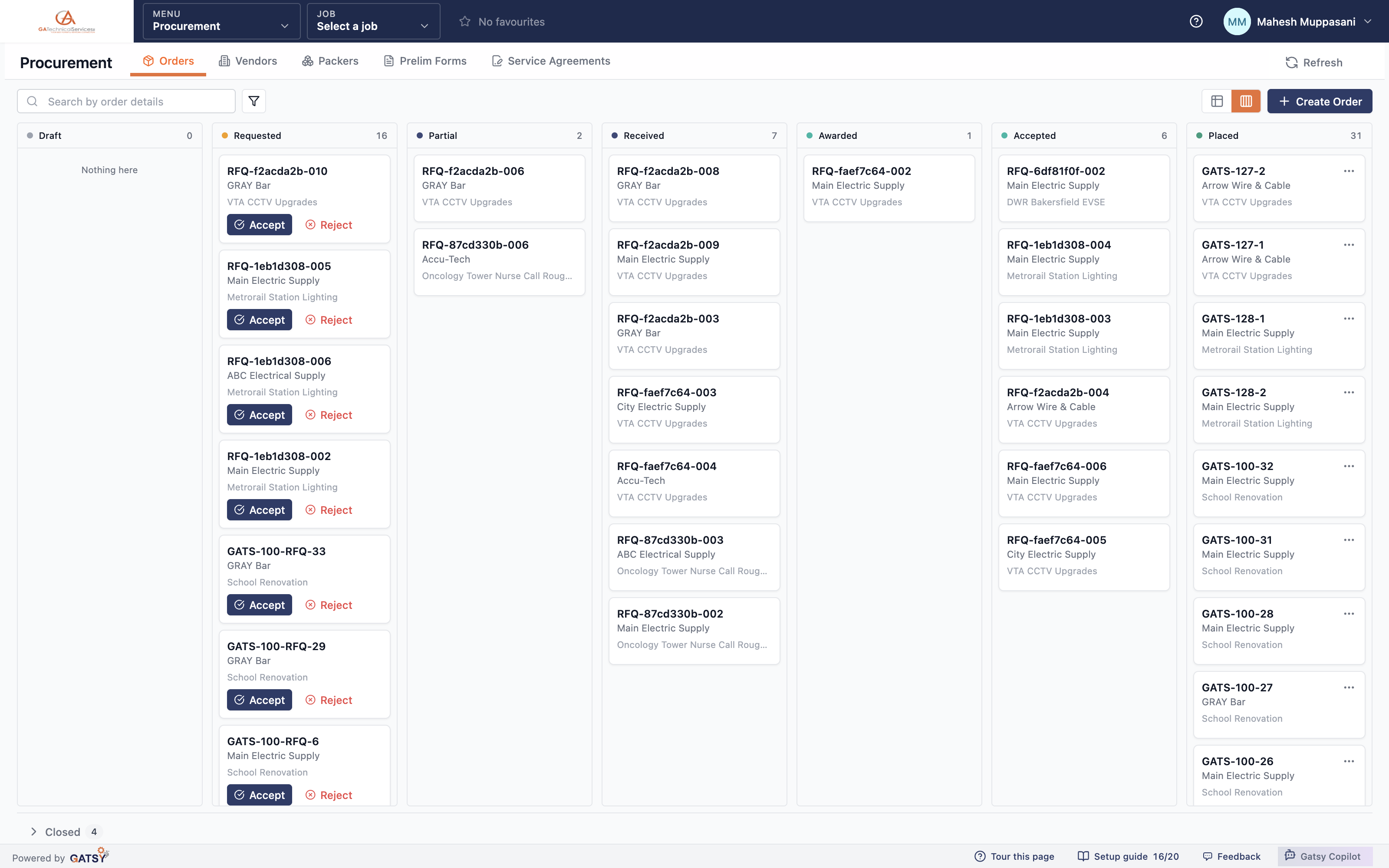
The orders board showing RFQs and purchase orders by vendor across their lifecycle

How a vendor earns the work

  1. 1

    Add the vendor

    With the trades they supply, the quotes email and the branch you deal with.

  2. 2

    They get the right RFQs

    Scoped to their trade, with labor and owner-furnished lines excluded.

  3. 3

    Compare what comes back

    Side by side, because every vendor got the identical package.

  4. 4

    Award and order

    Per line, with the purchase order following the award automatically.

Questions contractors ask

What does tagging a vendor with a trade actually change?

It decides who is offered when you send an RFQ. The scope is grouped by trade and the vendor list is filtered to the suppliers who cover it, so a fire alarm package never goes to a wire house.

Can one vendor cover several trades?

Yes. A full-line distributor can carry more than one, and they will appear wherever they are eligible.

What if I have no vendor for a trade yet?

The RFQ still exports as a PDF including those trades, so you can send it to someone new while you decide whether to add them to the directory.

Do vendors need a login?

No. RFQs go out by email and quotes come back to you. Outside-user logins are for your clients and subcontractors on a job, not your supply houses.

Ready to run every job in one place?

Start your 30-day free trial today. No credit card, no setup fee, and we’ll get GATSY configured around how your business already works.

GATSY AI estimating workspace showing a priced project takeoff
30-day Free TrialNo Credit Card RequiredCancel Anytime
View Manual